Просмотр новости
Найдите то, что Вас интересует
 Спутники
 РН
РН SpaceX
 Роскосмос
 NASA
NASA
СпутникиРНSpaceXРоскосмосNASA
Looking to use your phone as a mouse on your laptop or desktop computer? I use this incredibly useful app to make this happen in a jiffy.
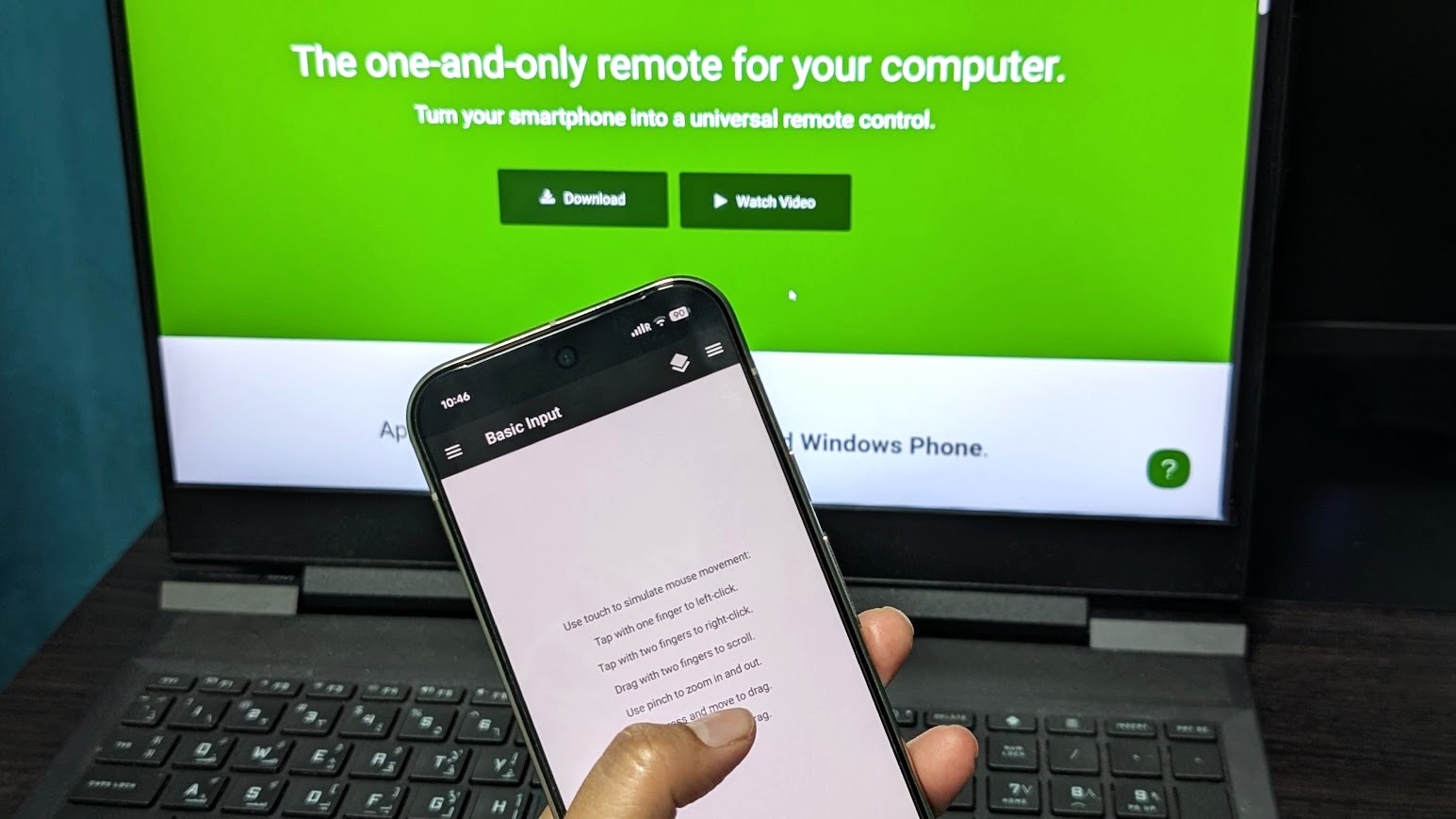 (Image credit: Namerah Saud Fatmi / Android Central)
There are many reasons why you would want to use your smartphone as a mouse to control your computer. Maybe you're watching something, and it's just easier, or maybe you can't get a physical mouse at the moment. Regardless, I can teach you how I turned my Android phone into a remote mouse that connects to my Windows laptop seamlessly. You'll see just how simple the steps are and will find no trouble doing it yourself!
All of this is possible thanks to Unified Remote, an Android and iOS app that works with Windows, Linux, and macOS. The app's basic, most essential functions are free to use, but if you want more customization and features, you can always purchase the premium version. This tutorial uses the free basic version on a Pixel 10 Pro running Android 17 and an HP laptop running Windows 11.
How to use your phone as a mouse for your laptop or computer
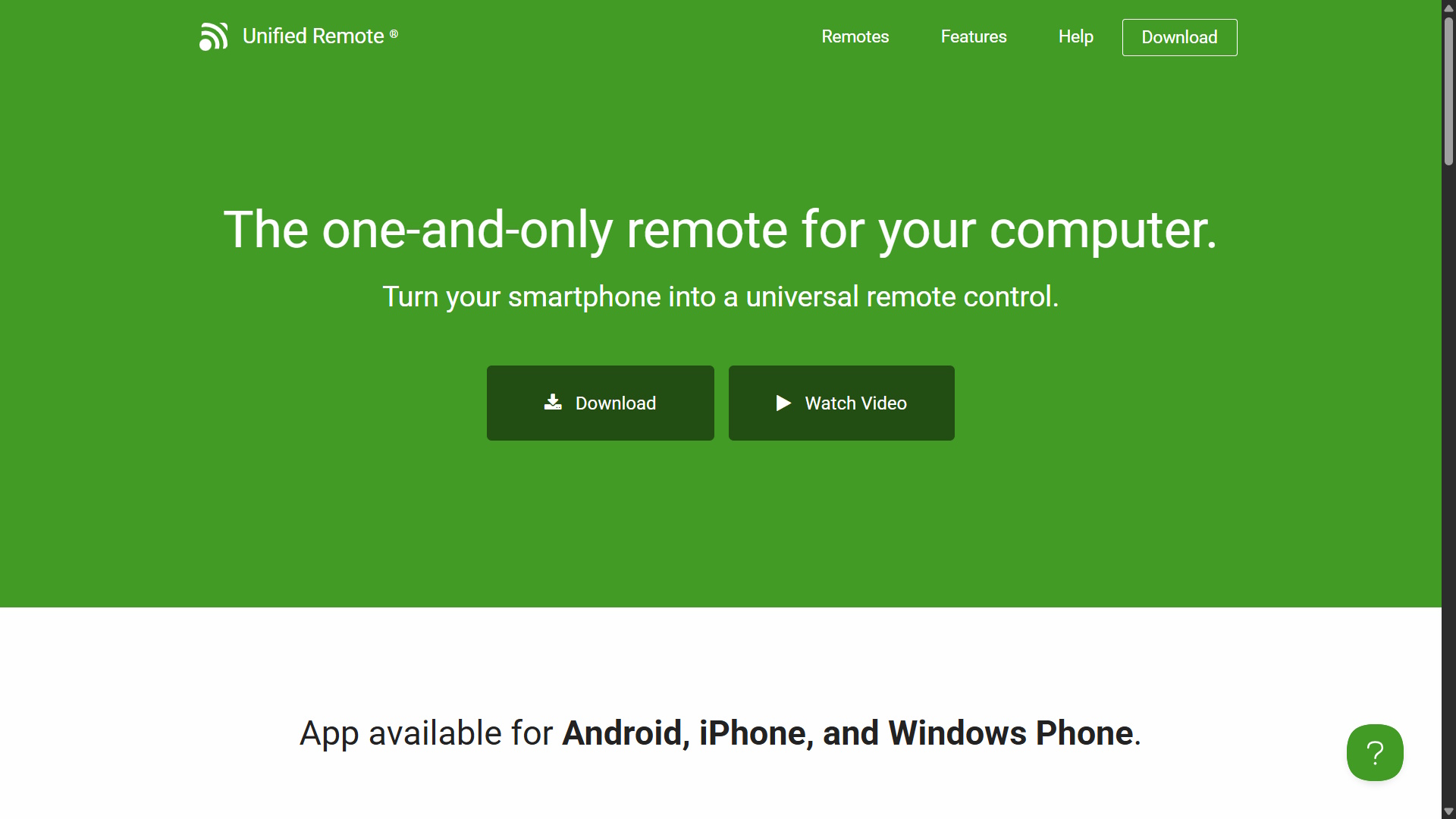
There are two parts to this tutorial. The first half is done on your computer, and the next half is completed on your phone. Although slightly different depending on the OS, the steps are more or less the same across platforms in essence.
Let's begin with the initial setup on your PC.
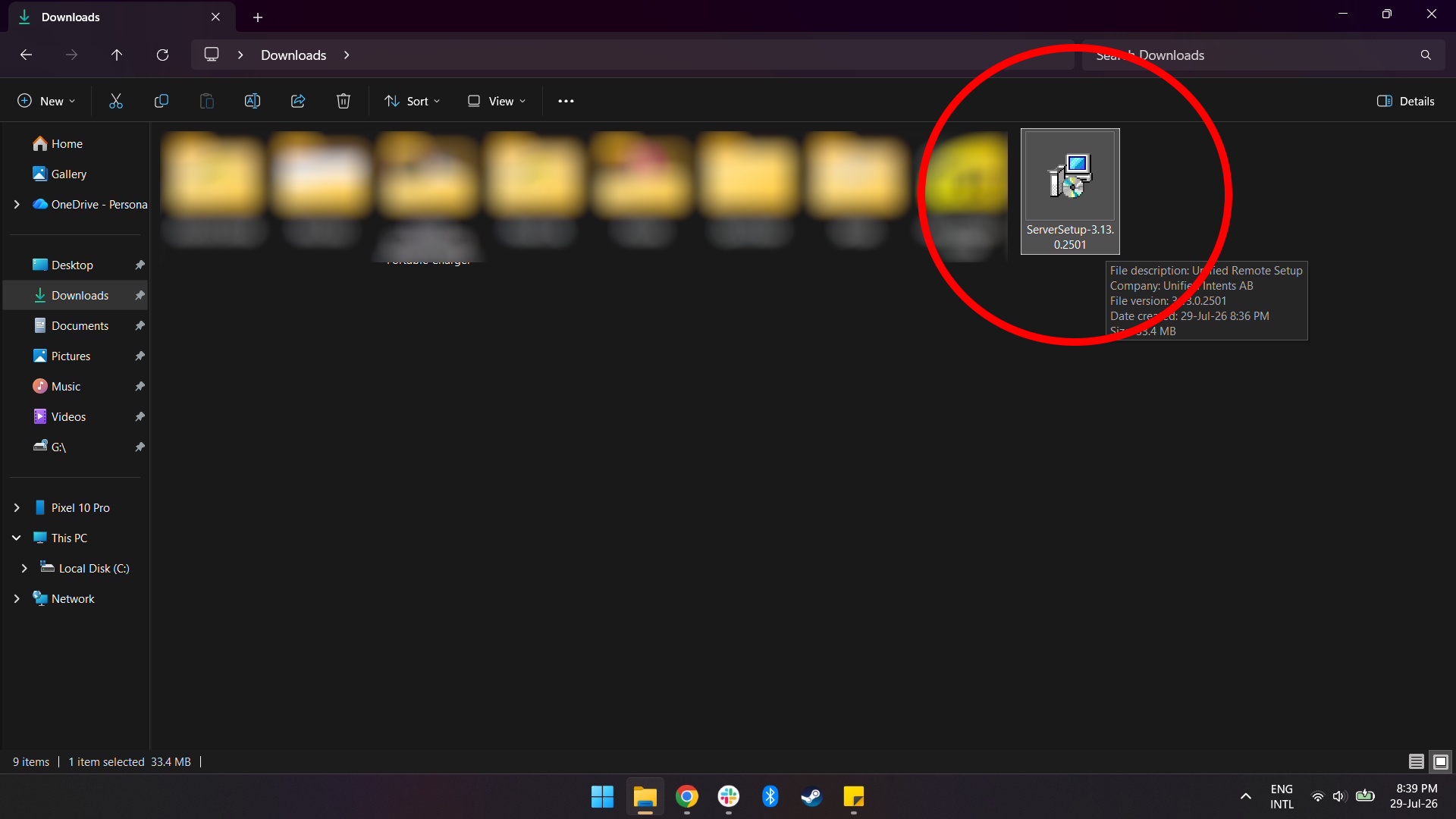
1. Go to the Unified Remote download page on desktop and download the Unified Remote Server setup file.
(Image credit: Namerah Saud Fatmi / Android Central)2. Run the Unified Remote Server setup file and to install it.
Image 1 of 8
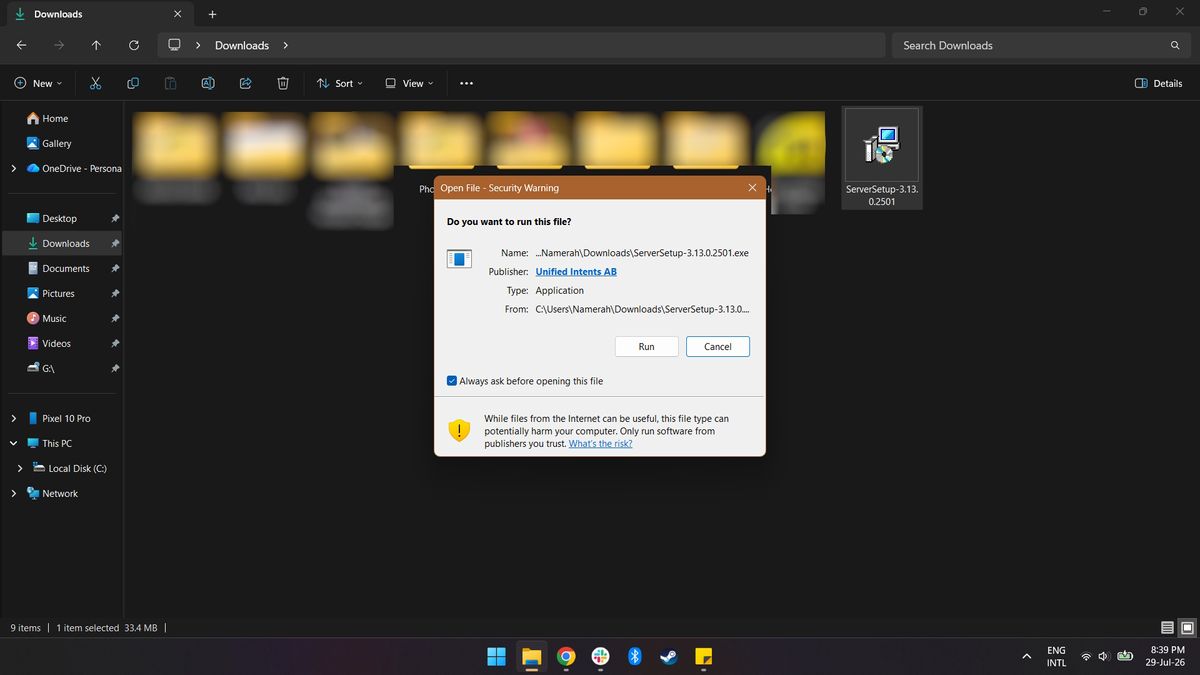
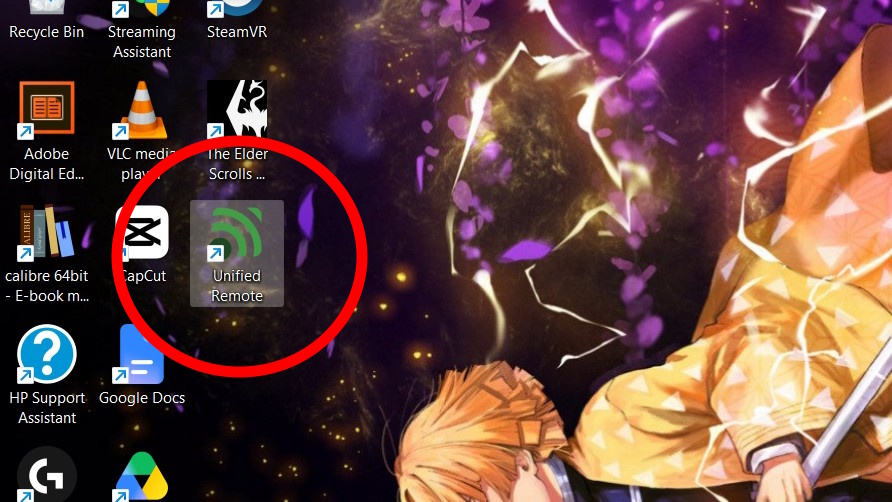
3. After installation is complete, launch Unified Remote on your computer.
Get the latest news from Android Central, your trusted companion in the world of Android
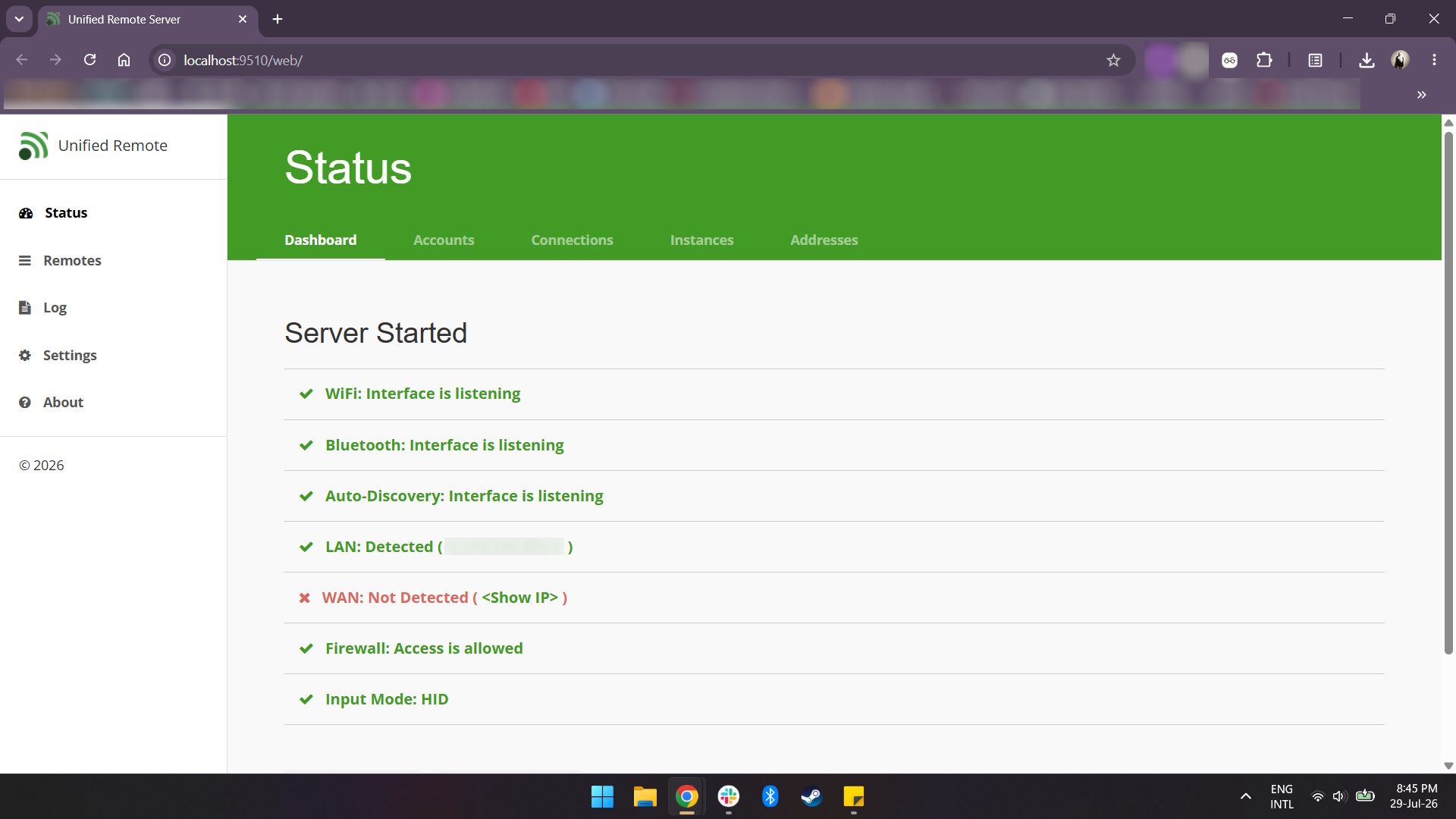
4. You should see your server status and information once the Unified Remote Server has been launched on your computer. If the server is up and running, this is what it should look like:
(Image credit: Namerah Saud Fatmi / Android Central)The next steps are to be carried out on your phone.
5. Download and install the Unified Remote app on your phone. Be sure to grant the necessary permissions to the app.
6. Launch the app and select "I'VE INSTALLED THE SERVER".
Image 1 of 2
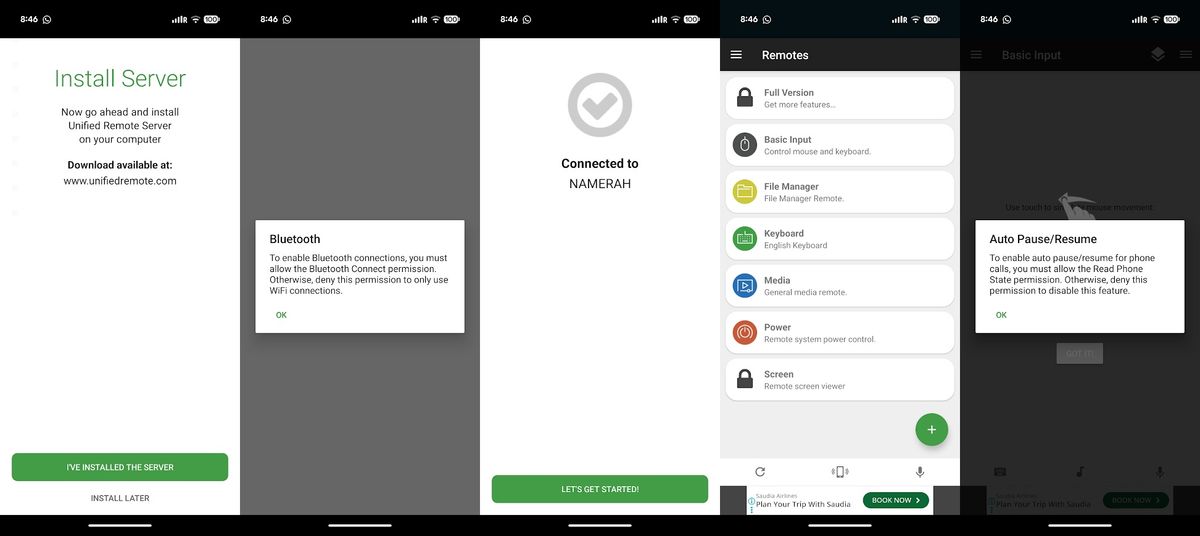
7. Your phone should connect to your computer's server automatically, so you can immediately start using the app's interface to control your computer.
Unified Remote is a fantastic free-to-use app that works perfectly well without paying for the premium version
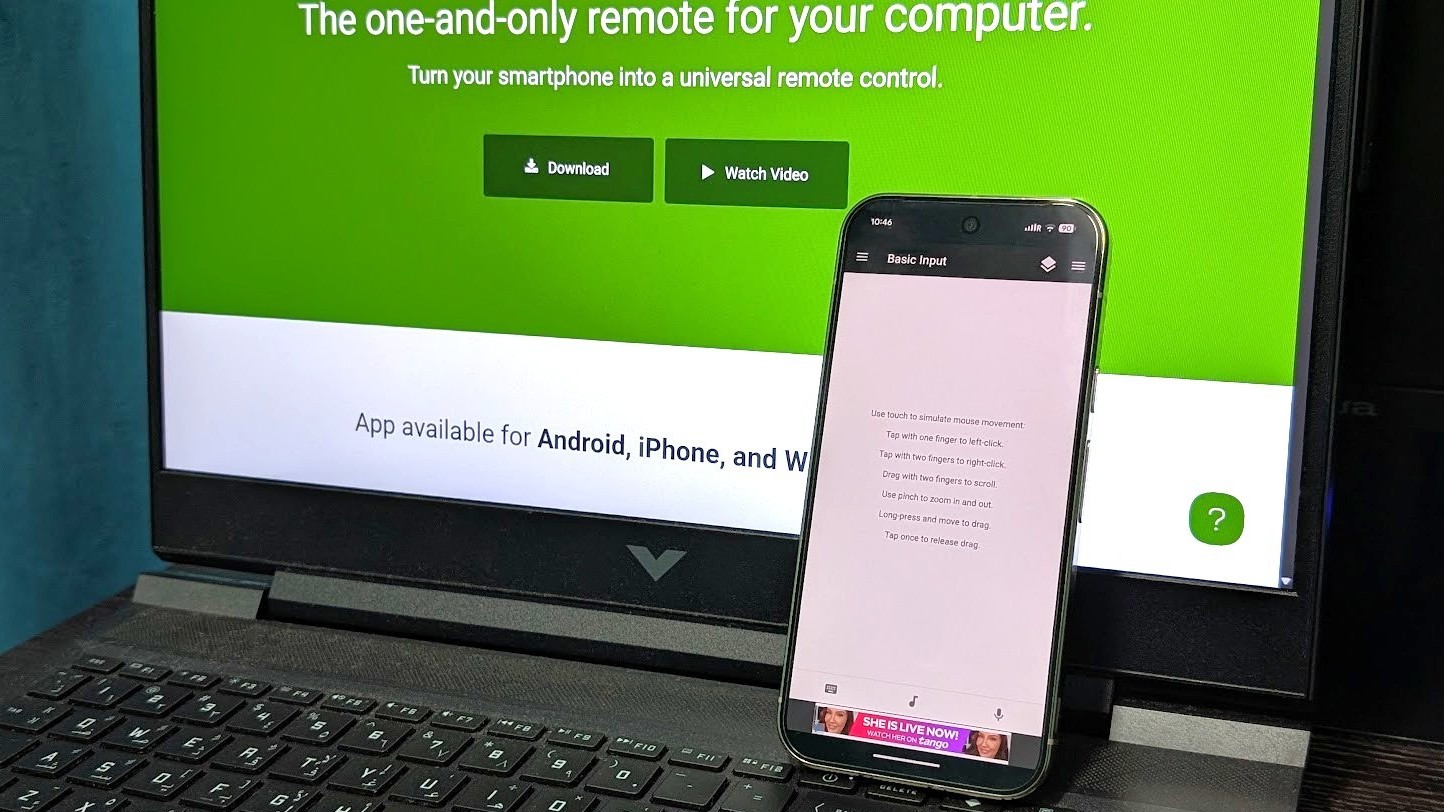
It's really that easy and doesn't require any money. The touchpad in the app works like a laptop's touchpad. You can scroll, right-click, single-click, double-click, move the pointer on the computer screen, and even pull up a keyboard and type! A bonus feature is that swipe texting works in the app, so you don't need to tap individual keys.
If you want to have access to remote controls beyond the basic touchpad, keyboard, and media controls, or if you want to get rid of ads, you'll have to subscribe to the premium version of the app. The ads aren't even that invasive, so you shouldn't stress about that aspect too much.
Namerah enjoys geeking out over accessories, gadgets, and all sorts of smart tech. She spends her time guzzling coffee, writing, casual gaming, and cuddling with her furry best friends. Find her on Twitter @NamerahS.
| # | Наименование новости | Тональность | Информативность | Дата публикации |
|---|---|---|---|---|
| 1 | I turned my phone into an Android TV remote for free - here's why it's genius | 5 | 6 | 07-07-2026 |
| 2 | Как быстро открыть доступ смартфону к любым папкам и файлам на компьютере | 0 | 11.19 | 10-08-2026 |
| 3 | Media Remote 1.0.1 (Freeware) | 0 | 8.93 | 02-07-2026 |
| 4 | This free Android app makes sharing files across Windows, Mac, and iOS so easy for me | 8 | 7 | 08-07-2026 |
| 5 | I turned an old Android phone into a server for my LAN - here's how and why | 0 | 5.8 | 17-08-2026 |
| 6 | I Tried the Android App That's Helping People Around the World Bypass Censorship Laws | 0 | 8.4 | 13-08-2026 |
| 7 | VLC Mobile Remote - PC & Mac 2.92.5 by Adarsh Urs | 0 | 13.12 | 21-11-2025 |
| 8 | Windows 11: Microsoft plant native Smartphone-Verknüpfung | 0 | 5 | 13-07-2026 |
| 9 | VLC Mobile Remote - PC & Mac 2.92.7 by Adarsh Urs | 0 | 13.12 | 17-12-2025 |
| 10 | How to turn your TV in a computer monitor in 3 easy steps - and for free | 0 | 9.47 | 22-08-2026 |