Просмотр новости
Найдите то, что Вас интересует
 Спутники
 РН
РН SpaceX
 Роскосмос
 NASA
NASA
СпутникиРНSpaceXРоскосмосNASA
Microsoft is testing Start menu previews for Phone Link and customizable search controls in Windows 11. Here is a look at the latest preview build features.
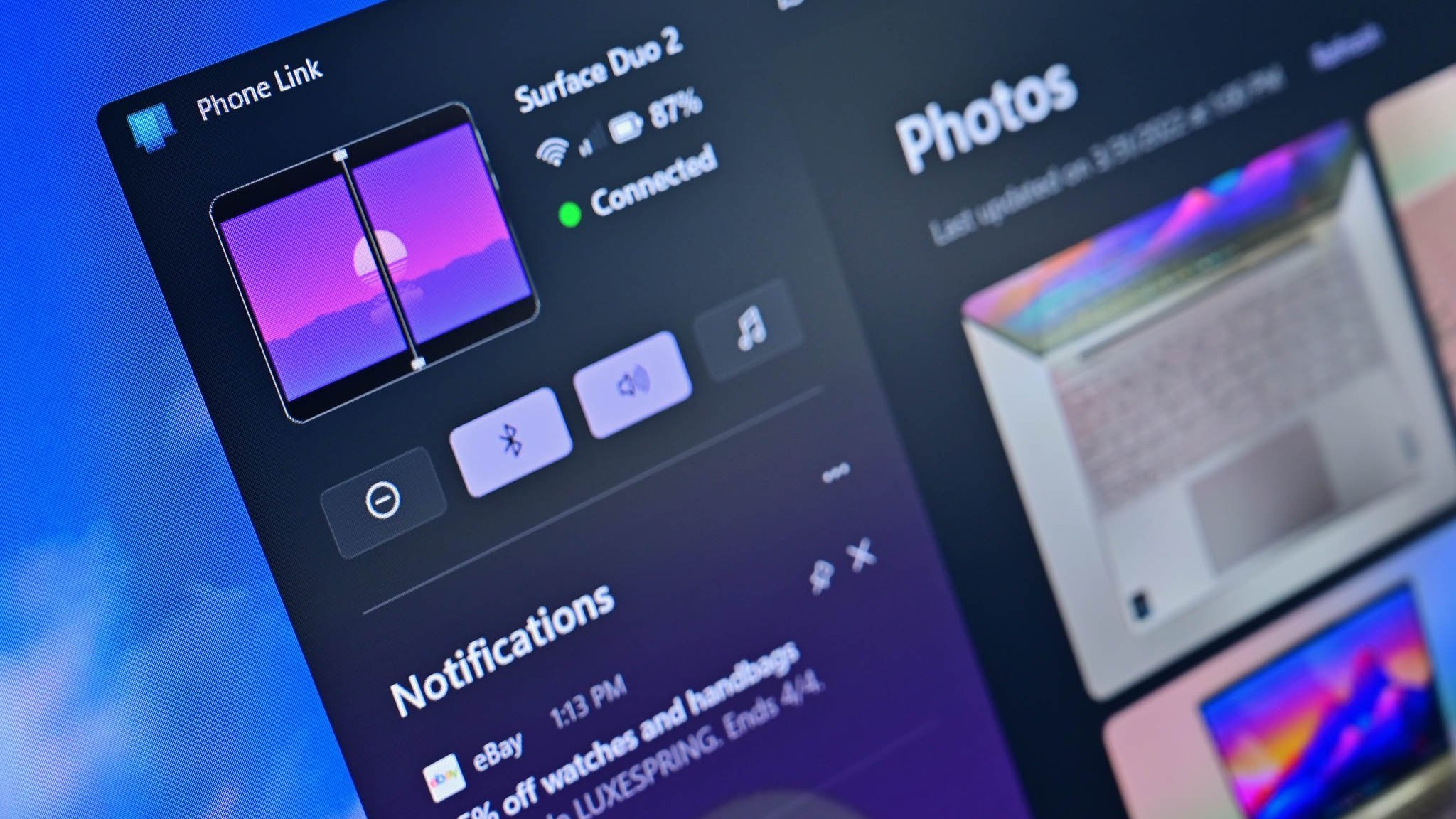 (Image credit: Windows Central)
Windows Insiders have new features to try out, including improved Windows Search and an upgraded Phone Link. The changes come with Windows 11 Insider Build 26300.9032, which is now available through the Experimental Preview Channel.
The improved Windows Search is customizable, including some options that were already available. You can enable or disable integration with your personal Microsoft account or work or school account. You can also set Search to look through your OneDrive or not search your cloud storage.
The most recent addition of automatically expanding indexing in Windows Search based on your activity can also be enabled or disabled with a toggle.
Phone Link keeps getting betterThe changes to Phone Link are more significant, but I wonder how many people they will affect. Based on comments here and on social media, it feels like Phone Link is a good idea that few people actually use daily. But Microsoft continues to improve it, so there must be a healthy user base.
In the most recent Windows Insider build, Phone Link can show more activity at a glance. Hovering over a recent message or notification in the recent section of the Start menu will show a preview of content. That experience is rolling out gradually, though, so you may not see it even if you're on the latest build.
Microsoft has big plans for Phone Link and even has a dedicated Messages app in the works that will support SMS conversations. Our Senior Editor Zac Bowden reported that the new features "are being explored and prototyped internally," but that they might change or not ship.
Eventually, Phone Link may integrate with the Windows shell rather than existing as a standalone app on top of Windows 11.
Microsoft has also played around with integrating Windows 11 and smartphones directly rather than through Phone Link. There's probably a place for both, but I'm curious if you have a preference regarding how to connect a smartphone and a PC.

Join us on Reddit at r/WindowsCentral to share your insights and discuss our latest news, reviews, and more.
Sean Endicott is a News Writer at Windows Central, where he covers Windows 11, Surface hardware, Microsoft 365, AI, apps, and the broader PC ecosystem. Since joining the site in 2017, he has written well over a thousand articles across the Microsoft landscape, covering breaking news, analysis, and feature reporting.
He writes Windows Wrap, a weekly column covering the biggest stories in Windows and the PC industry, and what they mean for the platform going forward.
Before joining Windows Central full-time, Sean worked in journalism and media production after earning a First Class degree in Broadcast Journalism from Nottingham Trent University. Outside of tech, he is an award-winning American football coach based in Nottingham, England, and was named BAFCA Youth Coach of the Year in 2024.
