Просмотр новости
Найдите то, что Вас интересует
 Спутники
 РН
РН SpaceX
 Роскосмос
 NASA
NASA
СпутникиРНSpaceXРоскосмосNASAWhen you add user fields to your membership checkout, Paid Memberships Pro blocks the form from submitting until all required fields are filled in. When a member edits their profile page, however, PMPro allows profile saves to go through even when required fields are empty. That is by design because blocking the save would discard any other changes the member had already (more...)
When you add user fields to your membership checkout, Paid Memberships Pro blocks the form from submitting until all required fields are filled in. When a member edits their profile page, however, PMPro allows profile saves to go through even when required fields are empty. That is by design because blocking the save would discard any other changes the member had already made to their profile.
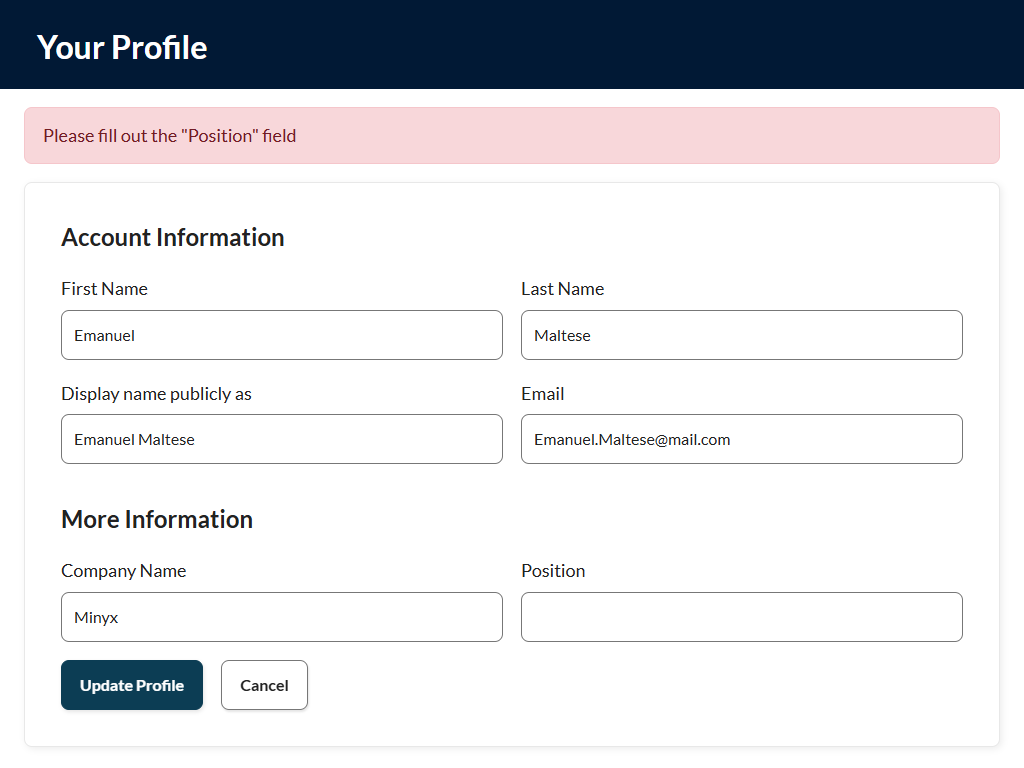
If your site does need to block the profile form from saving to enforce required fields, then recipe will show you how.
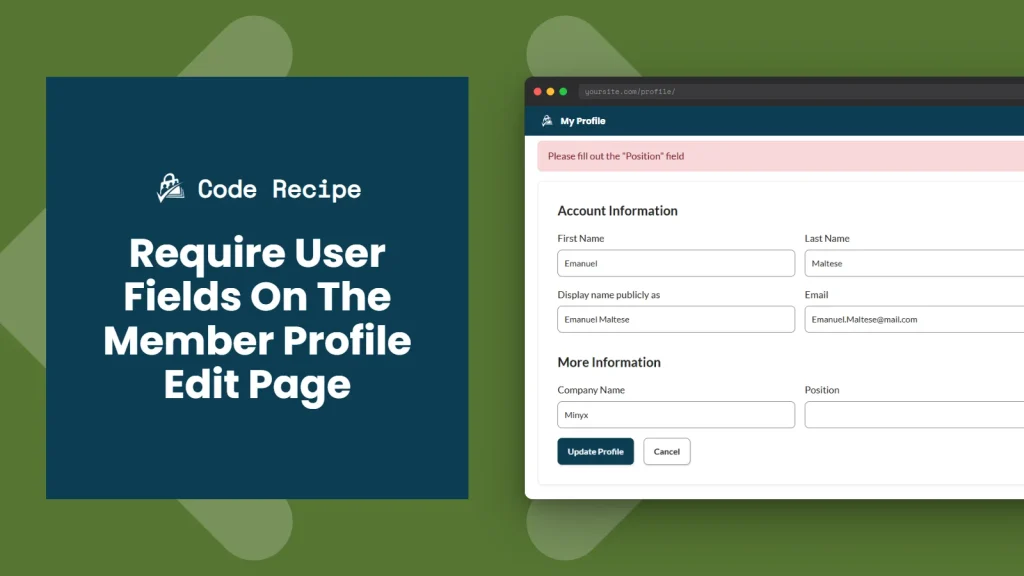
PMPro’s default behavior when editing the Member Profile page is intentional. Blocking the form means members lose all other changes they entered, not just the missing required field. Before adding this recipe, consider whether that trade-off fits your members’ experience.
This recipe is worth adding if:
All changes are discarded on error. When a required field is empty and an error is triggered, the entire profile save is blocked. The member’s other changes are also lost. They have to re-enter everything.
Admin-side edits are not affected. This code does not restrict profile updates made through the WordPress admin (Users > All Users > Edit). It only applies to the frontend Profile page when editing.
About the Code RecipeThe pmpro_user_profile_update_errors action fires when the member’s profile form is submitted, before any data is saved. Your callback receives three arguments:
$errors (array, passed by reference): A list of error message strings.$update (bool): Whether the operation is an update. This is always true on the member’s profile page.$user (WP_User, passed by reference): The user object being updated.If $errors is empty when the action finishes, the profile saves normally. If it contains any strings, the save is blocked and PMPro displays each error to the member.
Both the $errors and $user parameters are passed by reference. The & in the function signature is required. Without it, changes to $errors inside your function will not carry back to PMPro’s save routine and validation will silently do nothing.
 The Code Recipe
Adding the Recipe to Your Website
The Code Recipe
Adding the Recipe to Your Website
You can add this recipe to your site by creating a custom plugin or using the Code Snippets plugin available for free in the WordPress repository. Read this companion article for step-by-step directions on either method.
How to Customize This Code Recipefirst_name part on line 21 with the meta key of the field you want to require. For PMPro user fields, the meta key is the Field Name set when you created the field under Memberships > Settings > User Fields. For default WordPress user fields, common meta keys include last_name, user_email, and display_name.'Please enter a first name.' text on line 22 with the message you want to display when that field is empty.if ( empty( $_REQUEST['your_field_name'] ) ) block (copy lines 21-23) for each field. Update the meta key and error message for each additional field. Each missing field displays its own separate error message.
Author: PMPro Team
The editorial staff at Paid Memberships Pro is a team of WordPress membership site and online business experts led by Kim and Jason Coleman. Trusted by over 350,000 readers worldwide.
For more help with this PMPro feature, check out our Support Page with three ways to get support as a free or premium member.
Was this article helpful?
YesNo
| # | Наименование новости | Тональность | Информативность | Дата публикации |
|---|---|---|---|---|
| 1 | Exclude Billing Fields for Specific Membership Levels at Checkout | 0 | 5 | 26-06-2026 |
| 2 | How to Build a Private Vendor Portal or Gated Catalog with Paid Memberships Pro | 0 | 9.29 | 18-09-2026 |
| 3 | Only Include Admins in the WordPress User Delete Dropdown | 0 | 7 | 25-06-2026 |
| 4 | Troubleshooting Email Delivery on Your Membership Site | 0 | 7 | 30-06-2026 |
| 5 | Allow Member to Opt-Out of New Series Notification Emails | 0 | 7 | 03-07-2026 |
| 6 | Adding a Widerruf or Kündigung Button to a Paid Memberships Pro Site | 0 | 5 | 23-06-2026 |
| 7 | How can I disable profile editing in wpForo? | 0 | 6.55 | 09-08-2026 |
| 8 | Memberlite 7.1: Block-Based Header & Footer Variations | 5 | 7 | 03-07-2026 |
| 9 | How to Choose Your Email Marketing System (EMS) | 0 | 5 | 23-06-2026 |
| 10 | How a 140 GB Community Archive Moved to PMPro Max With Zero Data Loss | 5 | 7 | 29-06-2026 |